
10 Best Tools to Auto Publish Blogs in 2026
 Blogie
Introduction: What “Auto Publish” Means for Blogging
If you’re trying to publish consistently (without living inside your CMS), “auto publish” is usually the difference between a blog that grows steadily and a blog that stalls after a few posts. The phrase can sound like one single feature, but in practice it’s a bundle of workflows that remove manual steps—so your content can move from “ready” to “live” (and “distributed”) with less effort.
Auto publish = scheduling, syndication, and cross-posting
When people search for the best tools to auto publish blogs, they’re typically looking for one (or more) of these:
Scheduling: writing a post now, then publishing it later automatically (e.g., queue posts for the week).
Syndication / distribution: once a post goes live, automatically sharing it to other places—most commonly social networks. This is where “WordPress auto post to social media” tools shine.
Cross-posting: taking content from one system and pushing it into another (for example, Google Docs → WordPress, or RSS → WordPress).
Common workflows people automate
Most automation fits into a few repeatable pipelines:
WordPress → social: publish a WordPress post, then auto-share it to social channels to capture early clicks.
RSS → WordPress: import feed items and create WordPress posts automatically (often searched as RSS autoblog WordPress).
Docs → WordPress: write collaboratively in Google Docs, then push clean formatting into WordPress with fewer copy/paste issues.
AI → publish: generate drafts (or near-finished posts), then schedule and publish—sometimes with built-in editing, SEO checks, and media handling.
How to choose: platform fit, automation depth, and budget
The best tools to auto publish blogs depend on where your content starts and where it needs to go next. A few quick decision points:
Platform fit: Are you publishing on WordPress, or do you want a hosted platform where writing + publishing happens together?
Automation depth: Do you just need “publish → auto share,” or do you need end-to-end creation, scheduling, and distribution?
Budget: Some tools are free at the plugin level, while others are paid because they bundle workflow, planning, and broader automation.
In this guide, we’ll walk through 10 options—covering social auto-sharing, RSS-to-post pipelines, docs-to-WordPress publishing, and AI blog publishing tools. Since blogie.ai is built around writing-to-publishing simplicity, we’ll start there and then map the rest to specific automation needs.

Blogie AI
If your goal is to reduce the number of tools it takes to go from “idea” to “published post,” Blogie AI is designed around that exact workflow. Instead of stitching together separate steps (research → draft → edit → format → publish → distribute), the point is to keep blogging momentum inside one focused system.
Features: AI-assisted blog publishing workflow
Blogie AI is built to help you write and publish with less friction—especially if you want your process to feel like: explain what you want, get an SEO-ready draft, refine it, then publish and keep moving. For teams or solo founders, that “single place” workflow can be the biggest form of automation.
Use case: automating blog publishing as part of a streamlined content workflow
If you’re evaluating the best tools to auto publish blogs because you’re tired of juggling prompts, editors, and extra setup, Blogie AI fits when you want the writing and publishing loop to be fast and repeatable. It’s particularly relevant if you want to get consistent output on a schedule—without turning your week into a content operations project.
Pros/Cons: benefits and limitations based on publishing needs
Pros: Simplifies the writing-to-publishing pipeline; encourages consistency; reduces tool switching.
Cons: If your main need is strictly WordPress plugin-based automation (for example, only “WordPress auto post to social media”), you may prefer a dedicated WordPress plugin approach.
Who it’s for
Bloggers, founders, and small teams who want an automation-first publishing routine—where content creation and publishing feel like one continuous workflow. If that sounds like you, start at blogie.ai and build your first repeatable publishing cadence.
Internal resource: You can learn more about the platform directly on blogie.ai.
Blog2Social: Social Media Auto Post & Scheduler
If your main objective is distribution—getting every new WordPress post shared automatically—Blog2Social: Social Media Auto Post & Scheduler focuses specifically on the “publish once, share everywhere” part of auto publishing. This is one of the most common reasons people search for the best tools to auto publish blogs: the post may already be publishing fine, but the promotion is what gets skipped.
Features: social media auto post and scheduling for WordPress
Blog2Social is a WordPress plugin that supports auto-sharing and scheduling to social networks. In practical terms, it’s built for the “WordPress → social” workflow: when a post goes live, your distribution doesn’t depend on you remembering to open five tabs and manually share it.
Use case: auto-share WordPress posts to social networks
This is a direct match for teams searching for WordPress auto post to social media capabilities. If your content engine already runs on WordPress and you want more consistent traffic spikes from day-one distribution, Blog2Social can become the “autopilot” step that makes consistency real.
Pros/Cons: free option for distribution vs. scope depending on needs
Pros: Free; focused on social distribution automation; practical for keeping promotion consistent.
Cons: It’s primarily about social sharing—not end-to-end writing, SEO drafting, or editorial planning.
Who it’s for
WordPress users who want social sharing automation as part of their publishing checklist. If your bottleneck is “I publish, but I don’t promote,” this is one of the best tools to auto publish blogs in the sense that it automates what happens immediately after your post is live.
Social Media Auto Publish Plugin
If you want a simple way to auto-publish your blog posts to social platforms from WordPress, Social Media Auto Publish Plugin is another free option to consider. When the goal is “new post goes live → social channels get updated,” this plugin fits the core promise behind many searches for the best tools to auto publish blogs.
Features: auto-publish blog posts to social platforms (WordPress plugin)
This plugin is positioned around automatically publishing or sharing posts to connected social accounts. That makes it part of the content scheduling tools and distribution layer—less about writing, more about ensuring your post gets seen.
Use case: push new posts to connected social channels automatically
If your workflow is WordPress-first and you want a baseline “auto share” system without adding more moving parts, this is a straightforward approach. It’s especially helpful when you’re posting frequently and manual sharing becomes repetitive.
Pros/Cons: free access vs. feature depth depending on workflow
Pros: Free; directly supports the “auto publish blog posts to social” outcome many bloggers want.
Cons: As with many free tools, feature depth can be a limiting factor depending on how complex your workflow is (multiple brands, varied post formats, approvals, and so on).
Who it’s for
Bloggers who want basic social auto-publishing from WordPress and who are mainly trying to remove the recurring “share this post everywhere” step. For many creators, this is enough to feel like they’ve found one of the best tools to auto publish blogs for distribution—because it eliminates a task that otherwise breaks consistency.
Internal note: If you prefer to reduce plugin sprawl and handle more of the blogging workflow in one place, you may also want to compare this style of plugin automation against a unified platform approach like blogie.ai.
WP RSS Aggregator
RSS-based automation is its own category of auto publishing—often used to create an “autoblog” that continuously pulls in content from selected feeds. If you’ve searched for RSS autoblog WordPress, this is the kind of workflow you’re looking at. In the research provided here, WP RSS Aggregator is referenced for importing RSS content as WordPress posts.
Features: import RSS content and create WordPress posts
WP RSS Aggregator focuses on ingesting RSS feed items and turning them into WordPress content entries. This is a different flavor of “auto publish” than scheduling your own editorial posts—here, the content source is a feed, and automation is about continuously importing it.
Use case: build an autoblog by pulling from RSS feeds into WordPress
If your publishing model depends on curating or aggregating content streams, RSS import can keep your site updated without manual posting. This is one of the best tools to auto publish blogs for RSS-driven workflows specifically, because it addresses the key requirement: hands-off content ingestion into WordPress.
Pros/Cons: free RSS importing vs. needing careful feed selection and setup
Pros: Free; enables RSS-to-WordPress posting workflows; useful if your strategy includes feed-based updates.
Cons: RSS autoblogging requires careful feed selection and setup to ensure what gets imported matches your site goals and quality expectations.
Who it’s for
Site owners who rely on RSS-based content ingestion into WordPress and want the site to stay active with minimal manual effort. If your “auto publish” definition is “import from trusted feeds and publish,” WP RSS Aggregator fits that narrow but common need.
RSS Ground
If you want to automate posting across both blogs and social accounts, RSS Ground is positioned as a paid automation tool aimed at multi-destination publishing. This can be appealing if your definition of “auto publish” goes beyond your blog itself and includes ongoing distribution.
Features: automate posting to blogs and social accounts
RSS Ground is built around automation that can push content where it needs to go—so you’re not repeating the same publishing action across multiple platforms. When people search for the best tools to auto publish blogs, they often mean “I want it to show up everywhere I’m active,” not just on the blog homepage.
Use case: hands-off automation for publishing across blog + social channels
This fits marketers or operators who want a more hands-off routine: content comes in, content goes out, and the system handles repeated posting patterns across destinations.
Pros/Cons: paid tool for automation vs. cost considerations
Pros: Designed for automation across multiple destinations (blog and social); can reduce repetitive distribution work.
Cons: Paid—so you’ll want to confirm the workflow savings are worth the monthly cost compared to free single-purpose plugins.
Who it’s for
Marketers who need automation across multiple destinations and are willing to pay for convenience and operational consistency. If you’re comparing the best tools to auto publish blogs for cross-channel automation, RSS Ground belongs in that shortlist.
Internal perspective: If your goal is to simplify the entire blogging lifecycle (not just distribution), it may help to compare cross-channel automation tools with an end-to-end publishing workflow like blogie.ai.
CoSchedule
Some creators don’t struggle with writing—they struggle with staying consistent across weeks and months. That’s where planning and editorial structure matter as much as publishing mechanics. CoSchedule is positioned as a paid tool that supports drafting, scheduling, and publishing across platforms, anchored by a content calendar approach.
Features: draft, schedule, and publish posts across platforms
CoSchedule connects the planning layer (what you’re publishing and when) with execution (scheduling and publishing). If you’ve tried to “auto publish blog posts” but still miss weeks, the issue may not be automation—it may be the lack of a system. A calendar-driven tool is built to solve that.
Use case: manage consistency via content calendar and publishing workflow
This is especially useful when multiple people touch the process—drafts, edits, approvals, scheduling, and distribution. In that sense, CoSchedule can be part of the best tools to auto publish blogs conversation because it makes publishing repeatable, not just possible.
Pros/Cons: paid planning + publishing vs. budget for teams/creators
Pros: Strong for structured editorial workflow and consistency; supports scheduling and publishing routines across platforms.
Cons: Paid—so it’s usually most justifiable when you’ll actually use the planning and workflow features, not just basic scheduling.
Who it’s for
Teams and creators who want a structured editorial workflow—especially if content is a serious growth channel and you need a reliable cadence. If you’re evaluating content scheduling tools as part of the best tools to auto publish blogs, CoSchedule is a clear planning-forward option.
Blogbuster
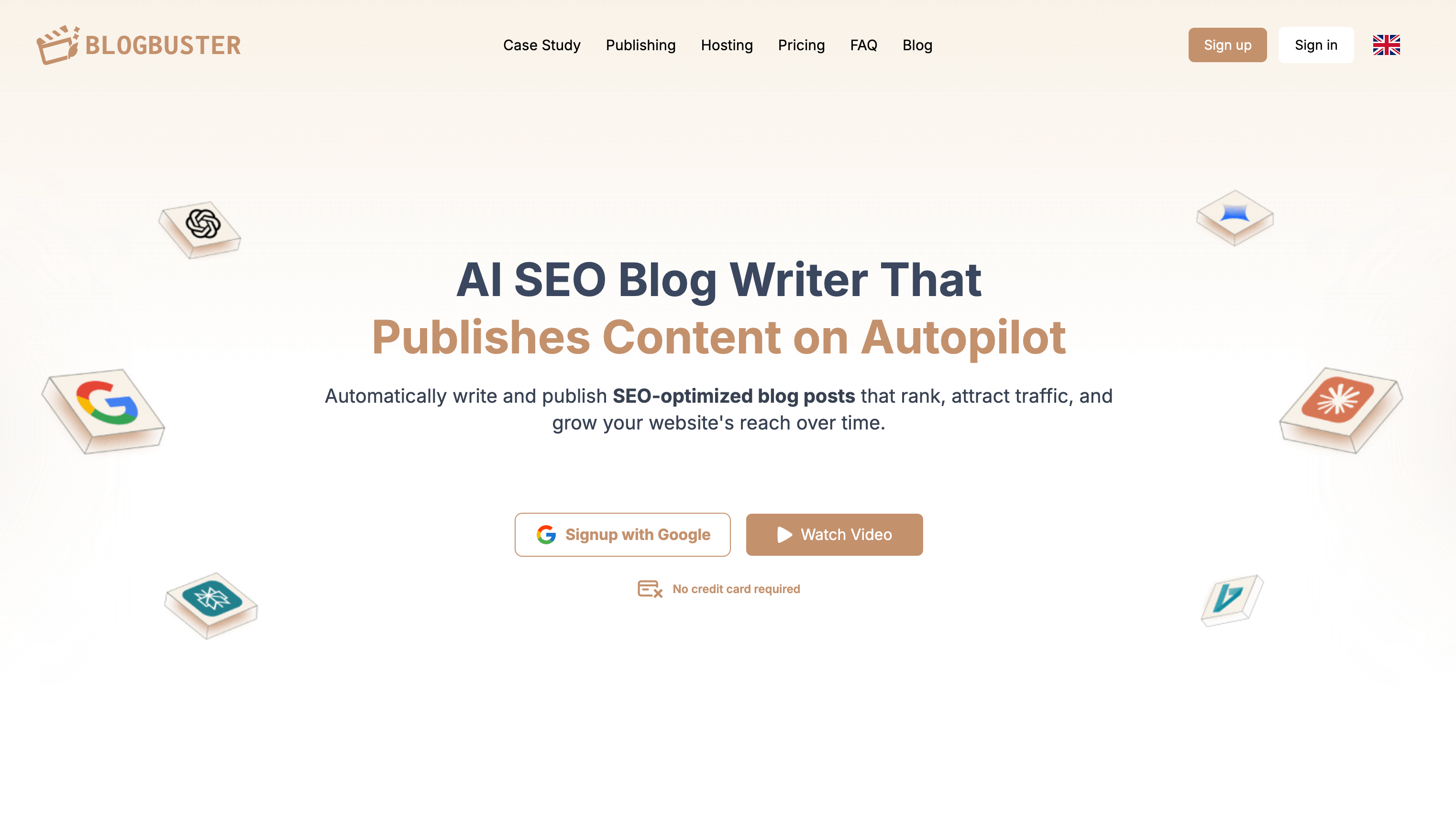
If your biggest constraint is producing enough content, AI writing tools can shift the bottleneck from “writing takes forever” to “editing and publishing consistently.” In the research provided, Blogbuster is described as a paid tool where AI creates SEO articles to keep a blog active.
Features: AI creates SEO articles to keep a blog active
Blogbuster focuses on generating SEO-oriented articles, which can help maintain a publishing cadence when your internal team can’t write everything manually. When people compile lists of the best tools to auto publish blogs, AI creation tools show up because they effectively “auto-create” the fuel that publishing automation needs.
Use case: generate SEO-focused posts to maintain publishing frequency
If you’ve ever had a content calendar but missed deadlines because drafts weren’t ready, an AI content generator can help you keep the pipeline full. You still typically want editorial review, but the creation step becomes much faster.
Pros/Cons: paid AI content creation vs. fit for your content standards
Pros: Helps scale content output; geared toward SEO article creation to keep sites active.
Cons: Paid; you’ll want to validate quality and ensure the output matches your brand voice and standards.
Who it’s for
Site owners who want to scale publishing frequency with AI support. If you’re building a shortlist of AI blog publishing tools as part of the best tools to auto publish blogs, Blogbuster is relevant when “more content, faster” is the core requirement.
Internal comparison tip: If you like the idea of AI-generated drafts but also want publishing and workflow in one place, compare AI-writing-first tools with a platform approach like blogie.ai.
Blogmate.ai
For creators who want an AI-assisted environment specifically for blogging, Blogmate.ai is listed in the research as a paid, AI-driven blogging platform for creators.
Features: AI-driven blogging platform for creators
Blogmate.ai is positioned as a creator-friendly platform with AI assistance. That generally implies helping with drafting and content creation workflows—an approach that fits people who want to publish more often without expanding their team.
Use case: creator-focused blogging with AI assistance
If your publishing goals depend on consistent output (weekly or even multiple times per week), AI assistance can help you maintain momentum. In lists of the best tools to auto publish blogs, creator-focused AI platforms often appeal because they reduce the “blank page” cost and keep you moving toward a publishable draft.
Pros/Cons: paid platform vs. platform fit and workflow preferences
Pros: AI-driven environment designed for creators; supports faster drafting and ideation.
Cons: Paid; the real question is whether the platform’s workflow matches how you like to write, edit, and publish.
Who it’s for
Creators who want an AI-driven blogging environment and are comfortable paying for the productivity boost. If you’re exploring AI blog publishing tools among the best tools to auto publish blogs, Blogmate.ai fits the “creator platform” category.
Internal note: If your priority is simplifying the entire publishing workflow (including launching and maintaining your blog), you can also explore the all-in-one approach at blogie.ai.
GoPublish
Sometimes the “auto publish” problem isn’t writing—it’s transferring content cleanly from where it’s written to where it’s published. If your team drafts in Google Docs, copy/paste into WordPress can be a recurring time sink. In the research provided, GoPublish is positioned as a paid tool for one-click export from Google Docs to WordPress.
Features: one-click export from Google Docs to WordPress
GoPublish focuses on a specific workflow: take a doc and push it into WordPress quickly. This can reduce formatting issues and speed up production when multiple stakeholders collaborate in Docs.
Use case: publish or transfer drafts from Docs directly into WordPress
If your editorial process is Docs-based (writers draft, editors comment, stakeholders approve), a Docs-to-WordPress exporter can be one of the best tools to auto publish blogs because it automates the most annoying part of the final mile: getting the content into the CMS in a usable form.
Pros/Cons: paid convenience for Docs-to-WP workflow vs. cost
Pros: Saves time; simplifies the Docs → WordPress publishing step; reduces repetitive formatting work.
Cons: Paid; if you publish only occasionally, the convenience may not justify the expense.
Who it’s for
Teams writing in Google Docs and publishing on WordPress—especially when you’re producing enough content that the transfer step becomes a real operational cost.
Internal workflow option: If you’d rather write and publish without switching systems as often, consider how an integrated platform like blogie.ai changes the need for “export” tooling.
Blogify
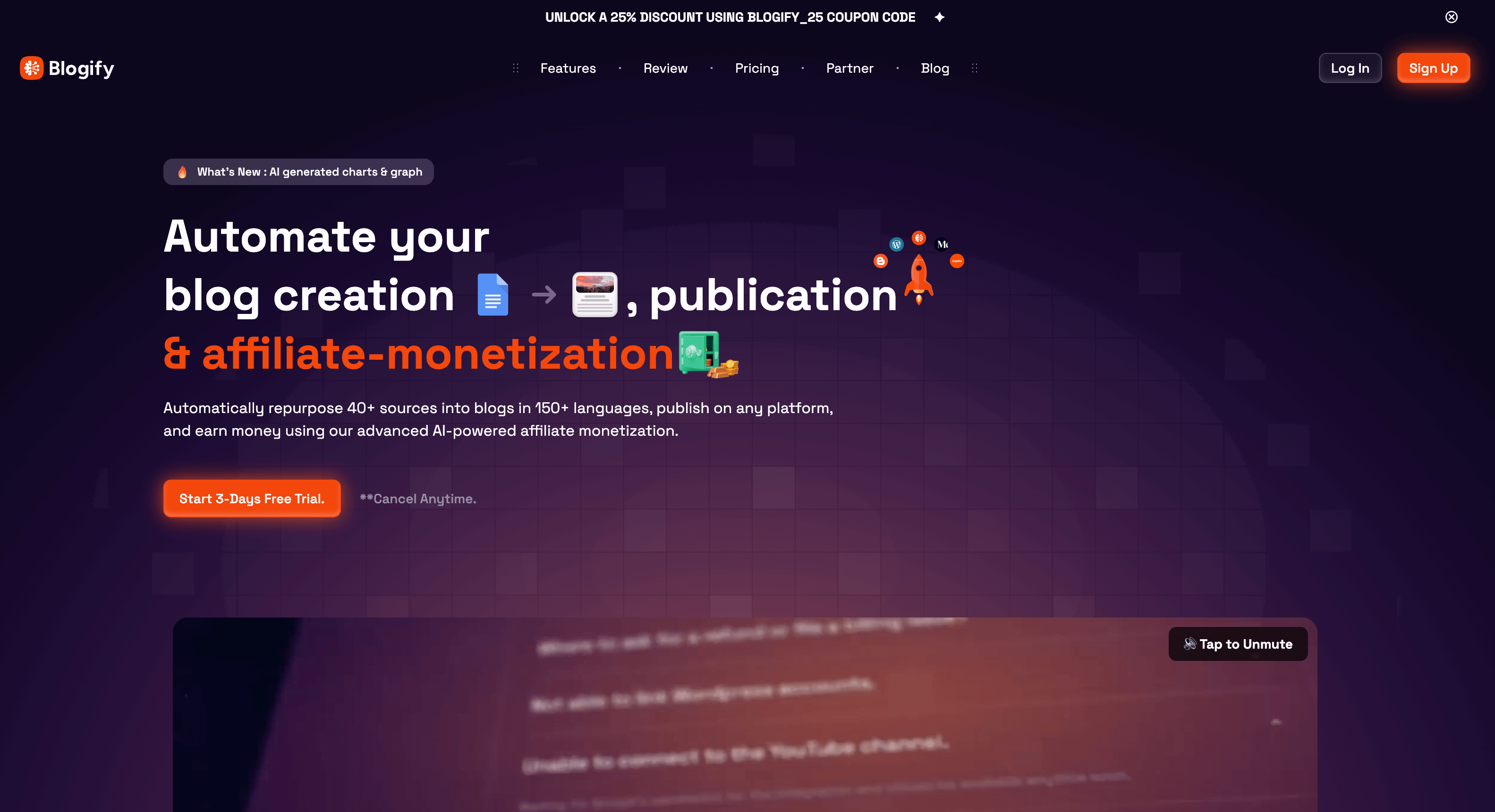
Auto publishing isn’t only about pushing a finished blog post live—it’s also about turning existing assets into publishable content. If your business already has videos, PDFs, or strong pages on your site, repurposing tools can help you publish more without starting from scratch. In the research list, Blogify is described as a paid tool that turns videos, PDFs, and URLs into blog posts.
Features: turn videos, PDFs, and URLs into blog posts
Blogify focuses on transforming existing formats into written blog content. That can be a big lever for consistency: instead of asking “what should we write next?”, you ask “what do we already have that can become a post?”
Use case: repurpose existing content into blog-ready articles
This is particularly useful for marketing teams that produce content in multiple formats. Repurposing also supports the broader idea behind the best tools to auto publish blogs: remove bottlenecks so publishing stays consistent.
Pros/Cons: paid repurposing automation vs. content suitability by format
Pros: Speeds up repurposing; converts common asset types into draft posts; supports higher publishing volume.
Cons: Paid; output usefulness depends on the quality and structure of the original asset (some videos/PDFs convert more cleanly than others).
Who it’s for
Marketers repurposing multimedia and documents into posts—especially if you want your blog to reflect everything your brand already produces, not only what someone has time to write from scratch.
Internal tie-in: If you’re repurposing content and also want a simpler publish-and-manage workflow, you can keep your overall blogging operation lightweight by centralizing publishing on blogie.ai.

SEOWriting.ai
If your goal is to generate SEO-focused blog posts quickly, SEOWriting.ai is listed in the research as a paid tool that generates blog posts with a 1-click workflow. Tools like this are often evaluated alongside the best tools to auto publish blogs because they compress the creation step dramatically—making it easier to publish more often.
Features: generate blog posts with a 1-click workflow
SEOWriting.ai emphasizes speed—helping you produce drafts rapidly. If you’re building topical clusters, affiliate pages, or supporting content, faster creation can translate into more consistent publishing.
Use case: fast creation workflow to produce publish-ready posts
This is a fit when you want a quick path from keyword/topic to draft. It can also pair well with scheduling systems—because you can generate several posts, review them, then schedule ahead. In that way, it complements content scheduling tools and “auto publish blog posts” strategies.
Pros/Cons: paid speed-focused generation vs. need for editorial review
Pros: Fast generation; designed for producing blog posts efficiently.
Cons: Paid; even with 1-click workflows, editorial review is typically important to match voice, accuracy needs, and quality standards.
Who it’s for
Bloggers and affiliates who want rapid SEO content output and are comfortable refining AI-generated drafts before publishing. If your shortlist of the best tools to auto publish blogs includes “tools that help me create the content fast enough to keep up,” SEOWriting.ai fits that category.
Internal alternative: If you want creation plus a streamlined path to publishing in one place, compare AI generation tools with an integrated blogging workflow like blogie.ai.
Comparison Summary: Which Auto-Publish Tool Fits Your Workflow?
The best tools to auto publish blogs aren’t “best” in a vacuum—they’re best for a particular content source and publishing destination. A good way to choose is to identify your starting point (WordPress post, RSS item, Google Doc, AI draft, video/PDF) and your main bottleneck (creation, scheduling, distribution, or cross-posting).
WordPress → social auto-share
Blog2Social: Blog2Social: Social Media Auto Post & Scheduler (Free) — a strong match if your goal is WordPress auto post to social media behavior after publishing.
Social Media Auto Publish Plugin: Social Media Auto Publish Plugin (Free) — useful if you want basic social auto-publishing directly from WordPress.
RSS → WordPress autoblogging
WP RSS Aggregator: WP RSS Aggregator (Free) — designed around importing RSS content as WordPress posts; a common RSS autoblog WordPress approach.
Cross-channel automation (blog + social)
RSS Ground: RSS Ground (Paid) — focused on automating posting to blogs and social accounts.
CoSchedule: CoSchedule (Paid) — stronger when you need planning structure plus scheduling/publishing across platforms.
AI creation workflows (create enough content to publish consistently)
Blogie AI: blogie.ai — relevant when you want a simplified writing-to-publishing workflow and less tool switching.
Blogbuster: Blogbuster (Paid) — AI creates SEO articles to keep your blog active.
Blogmate.ai: Blogmate.ai (Paid) — AI-driven blogging platform for creators.
Blogify: Blogify (Paid) — turns videos, PDFs, and URLs into blog posts (repurposing-led automation).
SEOWriting.ai: SEOWriting.ai (Paid) — generate blog posts with a 1-click workflow.
Docs → WordPress publishing
GoPublish: GoPublish (Paid) — one-click export from Google Docs to WordPress.
If you’re still torn, pick the workflow that will remove the biggest weekly friction. Most people don’t need every category. They need one reliable automation that helps them publish consistently—then they expand from there. That’s the practical way to evaluate the best tools to auto publish blogs without overcomplicating your stack.
Conclusion: Pick a Tool and Automate Your Publishing This Week
The best tools to auto publish blogs are the ones that fit your content source and remove your most common bottleneck.
Match the tool to your content source
If you’re WordPress-first and want distribution, start with social auto-sharing tools (think “WordPress auto post to social media”).
If your content originates in feeds, test an RSS autoblog WordPress approach with RSS importing.
If you write in Docs, reduce friction with Docs → WordPress publishing.
If creation is the bottleneck, look at AI blog publishing tools and AI-driven platforms.
Start with one automation, then expand
Don’t try to automate everything at once. Pick one: schedule your next 4 posts, or auto-share every post to social, or repurpose one video into a post. Once it works reliably, add the next layer.
Choose one tool and set up your first workflow
If you want an automation-first approach that keeps writing and publishing simple, explore blogie.ai and set up a repeatable routine you can stick to. Then, layer in distribution and scheduling until your pipeline runs without constant manual pushing.
FAQ: Auto Publishing Blogs
What’s the difference between scheduling and auto publishing?
Scheduling is specifically about timing: you prepare a post and publish it automatically at a set date/time. Auto publishing is broader and can include scheduling, syndication, and cross-posting—like pushing updates to social channels or importing items from RSS to create posts automatically. Many people searching for the best tools to auto publish blogs actually need a mix of both.
Can I auto publish WordPress posts to social media for free?
Yes—based on the research items here, there are free WordPress plugins designed for social auto-sharing, including Blog2Social: Social Media Auto Post & Scheduler and Social Media Auto Publish Plugin. These are commonly used for WordPress auto post to social media workflows.
How does RSS-to-WordPress autoblogging work?
In an RSS autoblog WordPress workflow, you connect one or more RSS feeds and import items into WordPress as posts. In the research list, WP RSS Aggregator is referenced for importing RSS content as WordPress posts. The key is choosing feeds carefully and setting up the import process so the resulting posts match your site’s goals.
Which tools help convert existing assets (videos/PDFs/URLs) into blog posts?
If repurposing is your priority, Blogify is listed in the research as a tool that turns videos, PDFs, and URLs into blog posts. This is useful when you want to increase output without producing every post from scratch.
What’s the simplest way to move drafts from Google Docs to WordPress?
If your team writes in Google Docs, GoPublish is listed in the research as a paid option for one-click export from Google Docs to WordPress. That can reduce copy/paste formatting issues and speed up publishing.
Internal next step: If you want to simplify your overall writing-to-publishing workflow (so publishing stays consistent), visit blogie.ai and build a process you can actually maintain week after week.
This article was created using Blogie.
This article was created using Blogie.