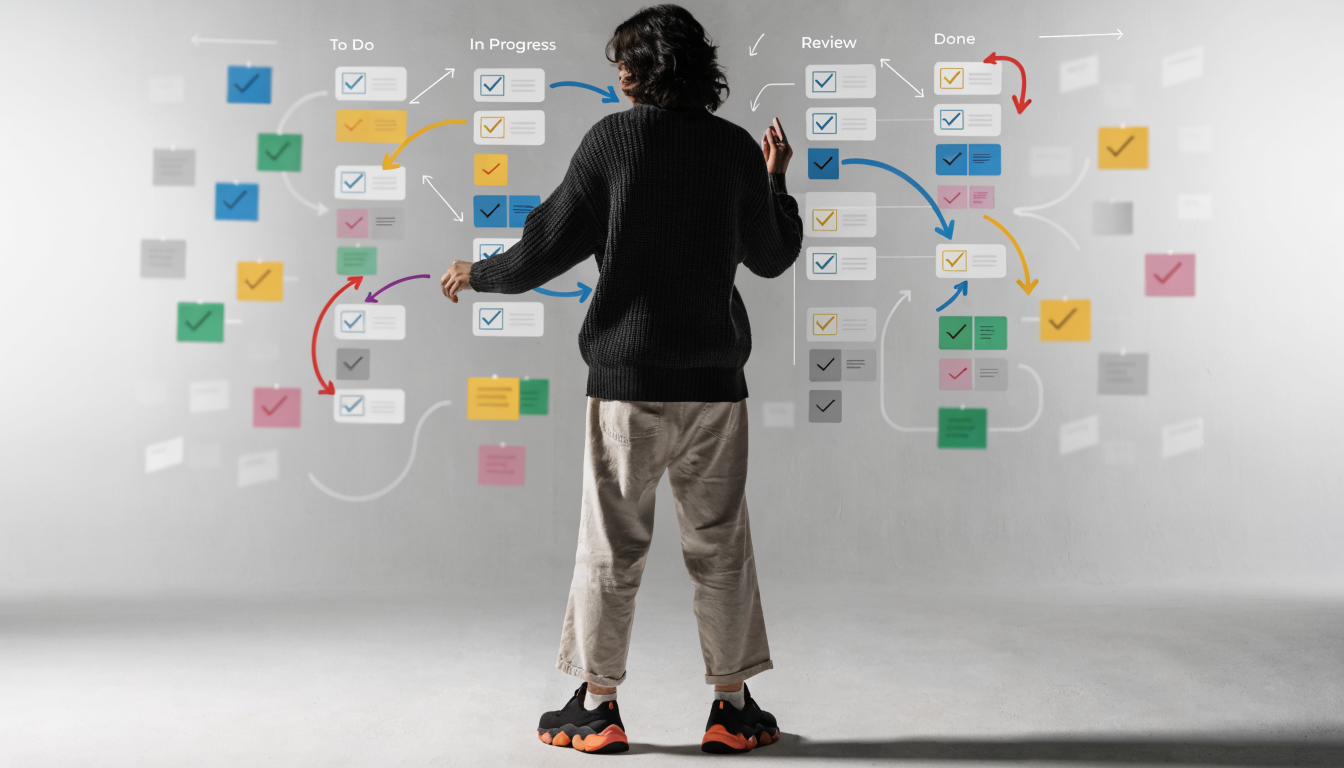
Blogging Workflow: A Step-by-Step System That Ships
 Blogie
Why Your Blog Feels Hard (and How a Workflow Fixes It)
Most blogs don’t fail because the writer “isn’t talented.” They fail because the work shows up in random, expensive bursts. One week you’re inspired and publish two posts, then you disappear for a month because every new post feels like you’re rebuilding the plane mid-flight. A solid blogging workflow fixes that by turning “vibes” into a repeatable system you can actually trust.
The hidden costs of “winging it”
When you wing your blogging process, you pay in invisible ways: duplicated research, messy drafts, and last-minute formatting emergencies. I’ve also noticed it quietly drains confidence—because if each post is a fresh improvisation, you never get proof that your process works. Over time, that turns publishing into stress instead of momentum.
What a good workflow actually does
A good blogging workflow doesn’t make you “more creative.” It removes friction so your creativity shows up where it matters—ideas, examples, and sharp points. It also creates clean handoffs between steps (idea → brief → outline → draft → edit → publish), which is basically how you keep quality high without spending 12 hours per post.
Signs your process needs a reset
If you frequently lose drafts, forget what you planned to write, or publish without a consistent blog post checklist, your system is leaking time. Another sign: you “research” for hours but still feel unready to write, because you never defined what “enough” research looks like. If any of that sounds familiar, it may help to document your steps—7 Steps for Documenting Your Blogging is a useful reference point for what a documented workflow can look like in practice.
And if you’re building a business blog (especially as a SaaS), consistency isn’t a nice-to-have. It’s how you compound traffic, prove expertise, and keep your product’s message coherent over months—not just launch week.

Start With a North Star: Goals, Audience, and a Single Promise
Before you touch keywords or headlines, anchor your blogging workflow with one clarifying step: decide what the post is meant to do. This isn’t corporate strategy theater—it’s how you avoid writing 2,000 words that never convert, never ranks, and never gets shared. For SaaS teams (and especially lean ones), this step keeps your editorial workflow aligned with actual business outcomes.
Turn business goals into content goals
Business goals are usually things like trials, demos, paid conversions, or reducing churn. Content goals translate those into reader actions: “understand the problem,” “compare solutions,” or “follow a tutorial and get a win.” If you want a structured way to map this, How to build a content creation explains the broader content creation workflow thinking that helps content serve the business.
Define reader intent in one sentence
I like to write one plain sentence: “This post is for who who wants what so they can do why.” It sounds simple, but it prevents vague posts that try to please everyone. The clearer the intent, the easier every downstream step becomes—outline, examples, CTA, and SEO choices.
Choose a measurable promise for each post
A “promise” is the result you’re helping the reader achieve, and it should be testable. For example: “By the end, you’ll have a copy-paste blog post checklist and a 60-minute drafting plan.” This is how you build trust—readers can tell when a post is just commentary versus a real content production system they can use.
If you’re using blogie.ai, this North Star can be baked into your initial prompt so the draft comes out aligned from the beginning—less rewriting, more shipping.
Idea Capture That Doesn’t Rely on Motivation

Ideas are not the problem. Capturing them in a way that survives real life is the problem. If your blogging workflow depends on you feeling inspired at 9:00 AM on a Tuesday, it’s going to break the moment your calendar fills up. The fix is building a tiny “idea capture” loop you can maintain even when you’re busy.
Set up a low-friction idea inbox
Your idea inbox should be a single place you can add to in under 10 seconds. I’ve used everything from a notes app to a Trello board, but the key is: one inbox, not five. The moment you create “systems” that require sorting, tagging, or perfect titles up front, you’ll stop using them.
Repeatable places to mine topics
The best topics usually come from the same repeatable sources: customer questions, sales objections, support tickets, and competitor articles that feel thin. You can also mine your own product: every feature, workflow, or integration can become a tutorial or “how to choose” guide. For a more time-boxed approach, How to write and publish a has ideas around faster execution and checklists you can adapt.
Quick scoring to pick winners
When it’s time to choose, score each idea on three things: revenue proximity (does it relate to buying?), searchability (would someone Google this?), and proof (do you have examples/screenshots/data?). A quick 1–5 rating in each category is enough. This small gatekeeping step keeps your blogging process focused on posts that are likely to perform.
Once you have 10–20 scored ideas, your editorial workflow gets calmer—because you’re no longer asking “what should I write?” every time you sit down to publish.
Research Without the Rabbit Holes

Research is where good intentions go to die. You open 18 tabs, skim half of them, and somehow end up reading a 2017 thread that doesn’t even answer your question. A clean blogging workflow makes research strict and useful, not endless and exhausting.
Create a research brief in 10 minutes
Start with a short brief: target reader, search intent, the “promise,” and 5–7 sub-questions the post must answer. Then write down what you will cite (2–4 credible sources) and what you will contribute from experience (a template, a process, or examples). That brief becomes your guardrail when your brain tries to wander.
Source credibility checklist
I keep credibility simple: prefer primary sources, official documentation, known industry publications, and first-hand experiments. Avoid stats with no methodology, anonymous quotes, and outdated SEO advice that’s been copy-pasted for years. If you can’t explain where a claim came from in one sentence, it probably doesn’t belong in the final draft.
How to stop researching and start writing
Give research a timer—45 minutes is usually plenty for a typical post. When the timer ends, you must create the outline, even if the research feels incomplete. What happens, in my experience, is that writing reveals the specific gaps you need to fill, which makes your second research pass shorter and more targeted.
This is where an all-in-one platform helps: when your notes, outline, and draft live together, you’re less likely to lose the thread between steps in your content creation workflow.
Outlines That Practically Write the Draft for You
If you want to publish more often without lowering quality, your outline has to do more work. A strong outline is the secret weapon of a dependable blogging workflow, because it reduces decision fatigue. When you sit down to write, you’re not inventing structure—you’re filling in blanks.
The 5-part post structure readers follow
Most high-performing posts follow a recognizable path: context (why this matters), problem (what’s broken), solution (your system), steps (how to do it), and proof (examples, tools, outcomes). Readers relax when the structure feels familiar because they can predict where the post is going. You’re not “dumbing it down”—you’re respecting their time.
Hook, thesis, and proof points
Your hook should call out a specific pain (“You keep rewriting intros”) or a clear win (“Publish in 2 hours without rushing”). Then state a thesis: the core belief your post defends, like “a workflow beats motivation.” Finally, list proof points—templates, checklists, mini case studies, screenshots, or numbers—that make the post feel grounded.
Outline-to-draft handoff rules
My favorite rule: every heading must include 2–5 bullet notes before drafting starts. Those bullets can be facts, examples, or arguments, but they must exist. This prevents the “blank page panic” and speeds up the transition from outline to first draft in your content production system.
If you’re drafting inside Blogie, you can turn those bullets into a generation prompt for each section—keeping your voice while still getting the speed benefits of AI-assisted drafting.
Draft Fast: A Writing Sprint System That Works on Busy Days

Drafting is the only step where you can’t fake progress. You either have words on the page or you don’t. The trick is to design your blogging workflow so drafting happens in focused sprints, not in all-day “maybe I’ll write later” limbo.
Time-boxed drafting and momentum tricks
Use a 3-sprint format: 25 minutes to write the top half, 25 minutes for the bottom half, and 25 minutes to add examples and transitions. If you’re short on time, even one sprint is enough to create a “draft skeleton” you can finish tomorrow. Momentum comes from finishing small chunks, not from waiting for a perfect uninterrupted afternoon.
Avoiding perfectionism in draft one
Draft one is allowed to be ugly, repetitive, and slightly too long. I tell myself: “My job is to make it exist.” You can’t edit a blank page, and perfectionism is usually just fear wearing a fancy hat.
Voice and style guardrails
Pick 3 voice rules and stick to them: short paragraphs, concrete examples, and clear opinions. Add one “banned list” for yourself too—words you overuse, vague phrases, or fluffy transitions. These small guardrails keep your tone consistent across your editorial workflow, even when you publish at speed.
If you want this to feel even smoother, store your voice rules in your writing tool so each new draft starts with the same expectations—less mental setup, more actual writing.
Editing in Layers: Clarity First, Then Polish
Editing is where good posts become easy to read—and easy to trust. The mistake is trying to do every kind of editing at once. A layered approach makes your blogging workflow faster, because you fix the biggest issues first and avoid polishing sentences you’ll delete anyway.
Macro edit: structure and logic
Start by checking whether the post delivers on its promise and flows in a sensible order. Move sections around, delete detours, and make sure each heading answers a real question the reader has. If a section doesn’t support the thesis, it’s either cut or rewritten—no mercy.
Line edit: brevity and rhythm
Next, tighten sentences: remove filler, shorten long clauses, and vary sentence length so the post doesn’t sound monotone. Read paragraphs out loud and listen for clunky phrasing or repeated words. In my experience, this is where a post starts sounding “human” instead of like a stitched-together draft.
Final proof: the last 10% that saves you
Finally, proof for typos, broken links, formatting issues, and missing steps. Check that every list is parallel, every claim has support, and every screenshot/visual is referenced in the text. This last pass feels small, but it prevents the avoidable mistakes that make readers bounce.
If you maintain a reusable blog post checklist for these layers, editing becomes a routine instead of a dreaded mystery task.
SEO and UX Checks Before You Hit Publish
SEO isn’t a coat of paint you slap on at the end—it’s a set of small choices that help the right people find your post and enjoy reading it. The good news is you don’t need 50 plugins to do this well. A practical blogging workflow includes a short set of SEO + UX checks that you run every time, like a pilot’s pre-flight routine.
Search intent and keyword placement
First, confirm intent: is the query asking for definitions, steps, comparisons, or templates? Then place your primary keyword—blogging workflow—naturally in the title, one H2, and early in the post, without forcing it. Sprinkle secondary keywords like content creation workflow and editorial workflow only where they genuinely fit the sentence.
Headings, skimmability, and internal links
Use headings that promise specific value (“Research brief in 10 minutes,” not “Research”). Keep paragraphs short and use lists where the reader might otherwise get lost. Also add a couple of internal links that genuinely help—like pointing to your platform when it’s relevant, for example Blogie’s AI blogging platform when discussing end-to-end publishing.
Metadata, schema, and accessibility basics
Write a meta description that matches intent and includes a benefit, not just keywords. Make sure images have descriptive alt text, and check contrast and heading hierarchy (H2s then H3s, no random jumps). Even if you never touch schema manually, thinking clearly about what the page is—a guide, a checklist, a template—helps you format it in a way search engines and humans both understand.
Once you build these checks into your content production system, SEO stops feeling like a dark art and starts feeling like a repeatable craft.
Publishing Day: A Clean Hand-Off From Draft to Live Post
Publishing is where a lot of otherwise-solid drafts get messy. Suddenly you’re fighting spacing, broken headings, weird mobile layouts, and images that take forever to load. A dependable blogging workflow treats publishing as its own step with its own checklist—because “formatting” is part of the reader’s experience, not an afterthought.
CMS formatting that doesn’t break
Paste your draft in a way that preserves headings and lists, then do a quick visual scan in preview mode. Watch for common issues: doubled line breaks, headings that look identical to body text, and inconsistent list indentation. I also recommend checking mobile preview every time—half your readers will see the post that way first.
Image prep and alt text workflow
Keep images lightweight and intentional: one featured image and a few supportive visuals are usually enough. Name files descriptively (not “IMG_4829”) and write alt text that explains what the image shows in plain language. Alt text isn’t just for accessibility; it also forces you to use images that actually support the content.
Pre-publish checklist for peace of mind
This is where a blog post checklist pays for itself. Confirm: title is compelling, slug is clean, meta description is set, links work, table formatting holds, and the post delivers the promise stated up top. When you can tick these off quickly, publishing feels calm—like shipping a product release with a known QA process.
If you’re publishing with an all-in-one platform like blogie.ai, the handoff gets even cleaner because drafting, editing, images, SEO fields, scheduling, and distribution can live in one place—less copy/paste, fewer “where did I put that?” moments.
Promotion That Doesn’t Feel Like Starting Over
Promotion gets a bad reputation because people treat it like a separate project. They finally publish… then realize they need to write a dozen social posts, an email, and maybe a community post, all from scratch. A smarter blogging workflow makes promotion a byproduct of writing, not a second job.
Repurposing slices: social, email, community
As you write, highlight “slices”: a bold claim, a checklist snippet, a short story, or a before/after example. Each slice can become a LinkedIn post, a tweet thread, an email section, or a community answer. If you collect slices while drafting, promotion becomes simple copy/paste plus light editing.
A 7-day promotion calendar
Use a repeatable schedule: Day 1 announce, Day 2 share a key takeaway, Day 3 share a contrarian point, Day 4 share a checklist, Day 5 answer questions in comments, Day 6 send an email, Day 7 reshare with a new angle. This keeps visibility up without spamming, and it gives your post time to find its audience.
Tracking what actually moves results
Track a small set of metrics: pageviews from search, clicks from social, email click-through, and conversions (trial/demo/signup). Don’t obsess daily—check weekly so you can connect outcomes to actions. Over time, this turns your editorial workflow into a learning loop, not a guessing game.
If your platform supports subscriber notifications and multi-platform publishing, you can shave hours off promotion—time you can reinvest into the next post in your blogging process.
Make It Sustainable: Templates, Roles, and Weekly Cadence
The real win isn’t publishing one great post—it’s building a system you can keep running when things get busy. Sustainability comes from making decisions once, then reusing them. That’s what turns a blogging workflow into a durable content production system instead of a burst of effort that fades.
The minimum viable editorial calendar
You don’t need a 6-month content roadmap to be consistent. Start with a 4-week calendar: one post per week, each tied to a product theme or customer pain. If you can commit to four posts and actually ship them, you’ll learn more than you would from planning 40 posts you never write.
Roles for solo vs. team workflows
Solo creators can run a tight loop: ideate Monday, outline Tuesday, draft Wednesday, edit Thursday, publish Friday. Teams should assign clear owners: who writes, who edits, who handles SEO checks, and who publishes. Even if one person wears multiple hats, naming the roles reduces confusion inside your content creation workflow.
Automation and tools that save hours
Automate repetitive steps: scheduling, social sharing, subscriber emails, and analytics reporting. Centralizing your workflow matters too—switching between five tools adds friction you don’t notice until you’re exhausted. In my experience, platforms that combine research, drafting, editing, and publishing (like Blogie) make consistency more realistic because the workflow doesn’t fall apart at handoff points.
Once your cadence is stable, you can scale: add more posts, add guest contributors, or expand into different content formats—without breaking your process.
Your Next 7 Days: A Simple Plan to Lock In the Workflow
You don’t need a total overhaul to get the benefits of a strong blogging workflow. You need one week of focused setup and one post shipped through the system end-to-end. That’s enough to expose bottlenecks, tighten your blog post checklist, and build confidence that you can repeat the process.
Set up your checklist and folders
Create one checklist for the full workflow (idea → publish) and one checklist just for pre-publish QA. Then create a simple folder structure for assets: drafts, images, sources, and promotional slices. When your system is easy to navigate, you waste less energy “getting ready” to write.
Run one post through the system
Pick a medium-difficulty topic—something you know well, but that still needs structure. Time-box each step: 30 minutes for brief and outline, 90 minutes for drafting, 45 minutes for editing layers, and 30 minutes for publishing checks. The goal isn’t perfection; it’s proving your blogging process can ship reliably.
Do a retro and improve one step
After publishing, do a 15-minute retro: what felt slow, what felt confusing, and what step you avoided. Choose one improvement for next week—maybe a better outline template, a stricter research timer, or a cleaner publishing checklist. Tiny improvements compound, and that’s how your editorial workflow becomes something you can run for months.
If you want the lowest-friction way to keep this going, centralize the workflow where you write and publish. When the whole pipeline lives in one place—drafts, SEO fields, images, scheduling, and analytics—you stop wrestling with tools and start building momentum. That’s the point of a system that ships.
| Workflow Stage | Time Box | Output | Checklist Trigger |
|---|---|---|---|
| North Star | 10 minutes | One-sentence intent + measurable promise | Can you describe the reader and outcome? |
| Idea → Brief | 20 minutes | Research questions + 2–4 sources | Do you know what “enough” research is? |
| Outline | 30 minutes | Headings + bullets under each | Does every section support the promise? |
| Draft | 60–90 minutes | Ugly first draft | Is the full post written end-to-end? |
| Edit (layers) | 45–60 minutes | Clear, skimmable, accurate post | Macro → line → proof complete? |
| SEO + Publish | 20–30 minutes | Live post with metadata + images | Pre-publish QA checklist passed? |
| Promotion | 30 minutes | 7-day promo plan + content slices | Are slices saved and scheduled? |
Quick note on consistency: the most effective blogging workflow is the one you’ll actually follow on a random Wednesday. Keep it light, keep it repeatable, and give yourself permission to improve it one small step at a time.
This article was created using Blogie.
This article was created using Blogie.